
Rowan County Civil Docket Searches
Civil lookups for Rowan start at the North Carolina eCourts Portal. Smart Search takes a Record Number or a party name typed as Lastname, Firstname. Enter one of those, submit, and then open Advanced Filtering Options. From there, set Location to Rowan. Then pick the civil case type that matches the matter. A Rowan record number ends in -790, a useful check on any result. Do not guess at a fuller prefix, since none is published as the current one.
The Portal is a search tool with a Case Summary view. It is not how filings get submitted. Attorneys and parties file through North Carolina File & Serve. If results come back too broad, tighten them with case type, status, or filing date. And when a record stays offline, the Rowan Clerk still helps. The office offers a public terminal, the paper-file route, phone help, copies, and certification.
- Enter a Rowan party name or known Record Number in Portal Smart Search.
- Choose Location = Rowan after submitting the basic query.
- Select a civil case type, status, or filing-date range to narrow the Rowan return.
- Open the underlined record number to reach the public Register of Actions or Case Summary.
- Use the Rowan Clerk for a public file review, a copy, certification, or confirmation beyond Portal.
Rowan Civil Docket Type Filters
Picking Civil General alone can hide a Rowan case filed under its own Portal category. The civil menu also lists Civil Magistrate. It further lists Civil Foreclosure (CV), Civil Foreclosure (M), Bond Forfeiture, Confession of Judgment, Non-Domestic Restraining Orders, and Summary Ejectment. Keep the official label exact during a Rowan search. When the case type is known, the narrower filter is the better choice.
| Rowan Portal type | Search role | Useful follow-up |
|---|---|---|
| Civil General | General civil category | Add Rowan, date, and status when results are broad |
| Civil Magistrate | Magistrate-level civil record | Use for small-claims context |
| Civil Foreclosure (CV) or (M) | Distinct civil filters | Do not assume Civil General is the correct route |
| Summary Ejectment | Separate official case type | Search it by its published Portal label |
| Bond Forfeiture or Confession of Judgment | Special civil categories | Use the specific filter when the category is known |
A Rowan name search can pull up cases from across the state. A 200-result warning means the search needs narrowing, not that your record is missing. Set Location = Rowan first, then read the civil status and case events.
Civil Dockets: What They Show
A Rowan civil Case Summary can include several sections. They are Case Information, Assignment Information, Party Information, Causes of Action, Case Events, Dispositions, Hearings, and Financial Information. Causes of Action is the section unique to civil matters. It may name the type of claim where that detail is public. Case Events give the chronological register of the Rowan case. They do not amount to a full, downloadable civil file.
| Case Information | Public case-level details where available in the Rowan record. |
|---|---|
| Assignment Information | Entered Rowan court or assignment information. |
| Causes of Action | The Portal section used for applicable civil, family, probate, and mental-health matters. |
| Case Events | The public chronological Register of Actions. |
| Hearings and Dispositions | Settings and outcome labels when those parts of the Rowan record apply. |
A public Rowan Case Summary does not guarantee a document image, a dollar figure, or every filing. Portal shows public documents only where they are public and available, and each download happens one document at a time. The Rowan Clerk keeps the official court file behind the online view.
Rowan Civil Docket Division Line
Civil division in Rowan turns on the amount in controversy. Superior Court hears civil actions above $25,000. District Court handles civil actions at or below $25,000, plus domestic matters. Magistrates take small claims up to the state statutory maximum of $10,000, and a small-claims appeal gets a fresh trial in District Court. Across all of these routes, the Rowan County Clerk of Superior Court holds the record.
| Rowan civil matter | Trial division | Portal direction |
|---|---|---|
| Action above $25,000 | Superior Court | Search Rowan with the fitting civil type |
| Action at or below $25,000 | District Court | Search Rowan with the fitting civil type |
| Small claim within $10,000 | Magistrate / Civil Magistrate | Use the Civil Magistrate context |
| Small-claims appeal | District Court, trial de novo | Check the current status and destination |
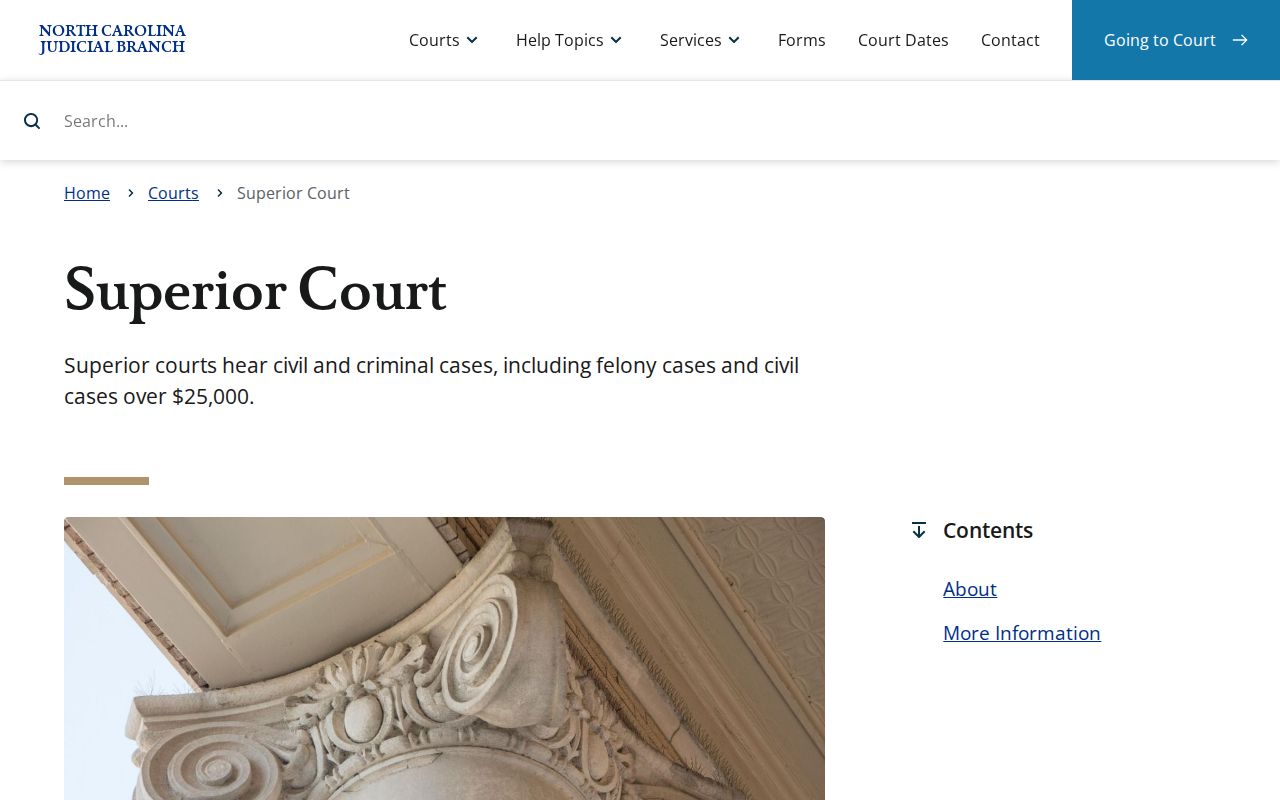
The official Superior Court description gives the state context for Rowan's high-value civil trial division. It helps separate a Rowan division assignment from the statewide Portal search layer.
Watch for status entries like Transferred to Superior Court, Small Claims Appeal, Trial De Novo, Appealed, or Transfer to Another County. Any of them means the current court and record location deserve a second look. The event history and the Rowan Clerk can sort out the route.
What Cases Fill the Civil Docket
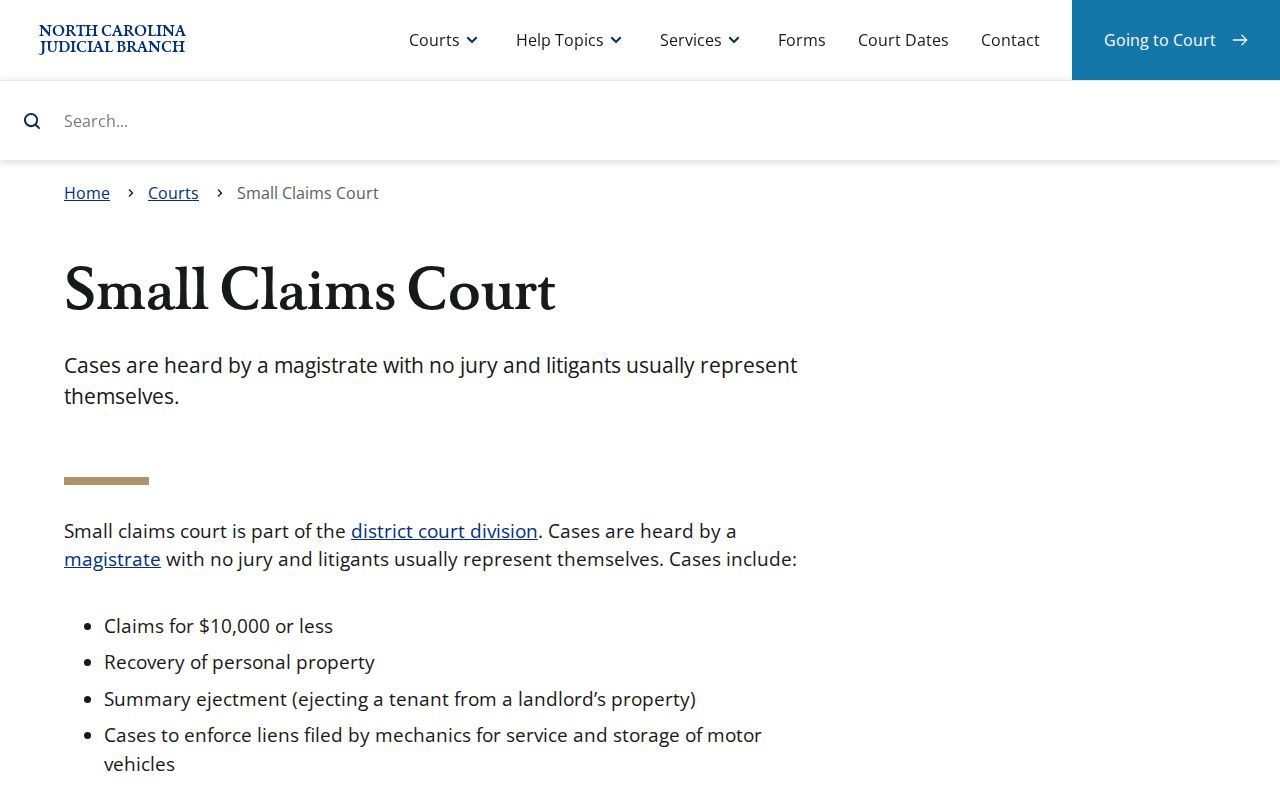
The Rowan civil docket covers more than a plain civil category. Portal splits Civil General and Civil Magistrate away from other routes. Those include distinct foreclosure tracks, bond forfeiture, confession of judgment, non-domestic restraining orders, and Summary Ejectment. That split matters in practice. A Rowan search works best with the closest documented case type. A broad label may miss records. The official North Carolina small-claims court explanation explains the magistrate route behind the Rowan Civil Magistrate filter. It also covers the District Court trial-de-novo appeal available after a small-claims judgment.
Domestic matters fall inside the District Court division too, but confidentiality rules can limit what appears online. A Rowan Portal result never proves that every party detail or filed document is public.
Rowan Civil Docket Case Labels
Portal's civil labels name the system's own record categories. Treat them as distinct rather than lumping them into one informal result. A Rowan civil record may be marked Disposed - Clerk of Superior Court. Other labels are Discontinued, Dismissal on Order of Court, or Voluntary Dismissal. Each one carries its own published meaning. Final Judgment No Trial stands apart from Trial by Judge, Jury, or Magistrate, too. Each disposition label tells you something different about how the case ended.
- Causes of Action
- The Portal section for applicable Rowan civil claims when public and available.
- Unserved
- A documented civil status filter that can distinguish an unserved matter.
- Small Claims Appeal
- A status pointing to the Rowan small-claims appeal path.
- Trial De Novo
- A label for a new trial, important when the Rowan court level has changed.
Read the status next to Case Events and the disposition section for the fullest Rowan picture. One label alone falls short. When a public result needs confirmation or an official copy is required, the Clerk provides the court-file route.
Hearings on the Civil Docket
A docket and a calendar are not the same thing in Rowan County civil practice. The docket tracks the case. The calendar lists when it gets heard. Search Hearings lets you look for a current Rowan setting. You can narrow it by location, hearing type, search type, a conditional value, and a date range. The Case Summary may also carry a Hearings section. For another official channel, check the Rowan civil calendar. If a setting changed, was missed, or sits just days away, remember one thing. The courtroom or the Clerk is still the final word.
One caution matters here. A filed Notice of Hearing is just a filing. It does not by itself prove a setting exists on the Rowan calendar. Local civil rules require Clerk filing plus a separate operational contact with designated court-calendar staff. So a civil filing can appear in the Rowan docket. The public hearing display needs one more check.
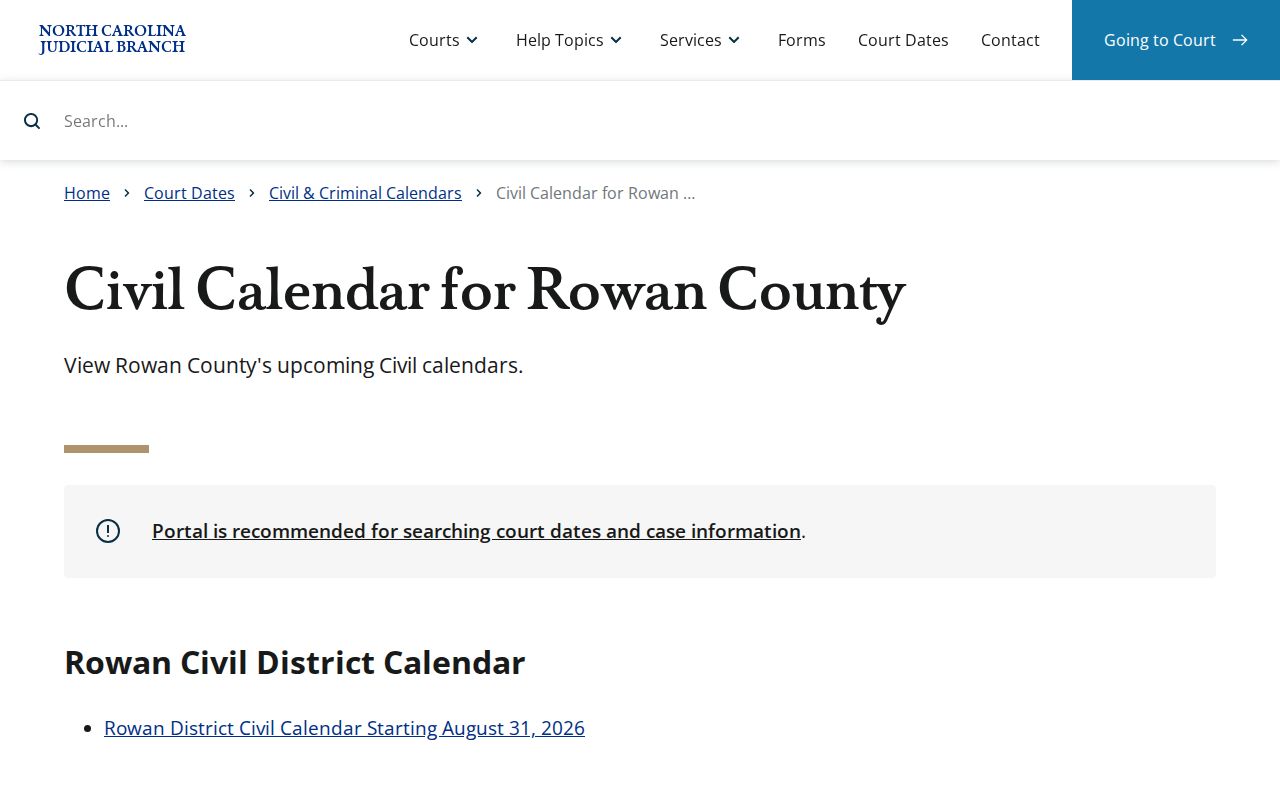
The official Rowan civil calendar page shows the hearing channel itself. It works alongside the individual Rowan Case Summary, never in place of it.
For the full date workflow, the Rowan court schedule page walks through Search Hearings, calendar publication, and the direct court-office fallback. When you need an actual public document or a certification, though, the Rowan court file is the record that counts.
Rowan Civil Docket Session Requests
The Rowan Civil District Court calendar request shows exactly what it takes. That is what gets a matter onto a session. The form captures the file number, plaintiff and defendant, the requested 9:30 session, presiding judge, courtroom, case type, estimated time, and counsel information. A certificate of service is captured too. It is not a form the public fills out in a browser. That detail matters. A Rowan calendar setting depends on court-controlled scheduling information. It does not flow from a filed case event alone.
Rowan local rules also govern case tracking. They cover filing dates, pending motions, continuances, administrative calendars, and inactive calendars for stayed or appealed matters. Current rules recognize Odyssey/eCourts and point attorneys to File & Serve. Keep the stages straight. A request, a notice, and a granted Rowan setting are three different points in that local process.
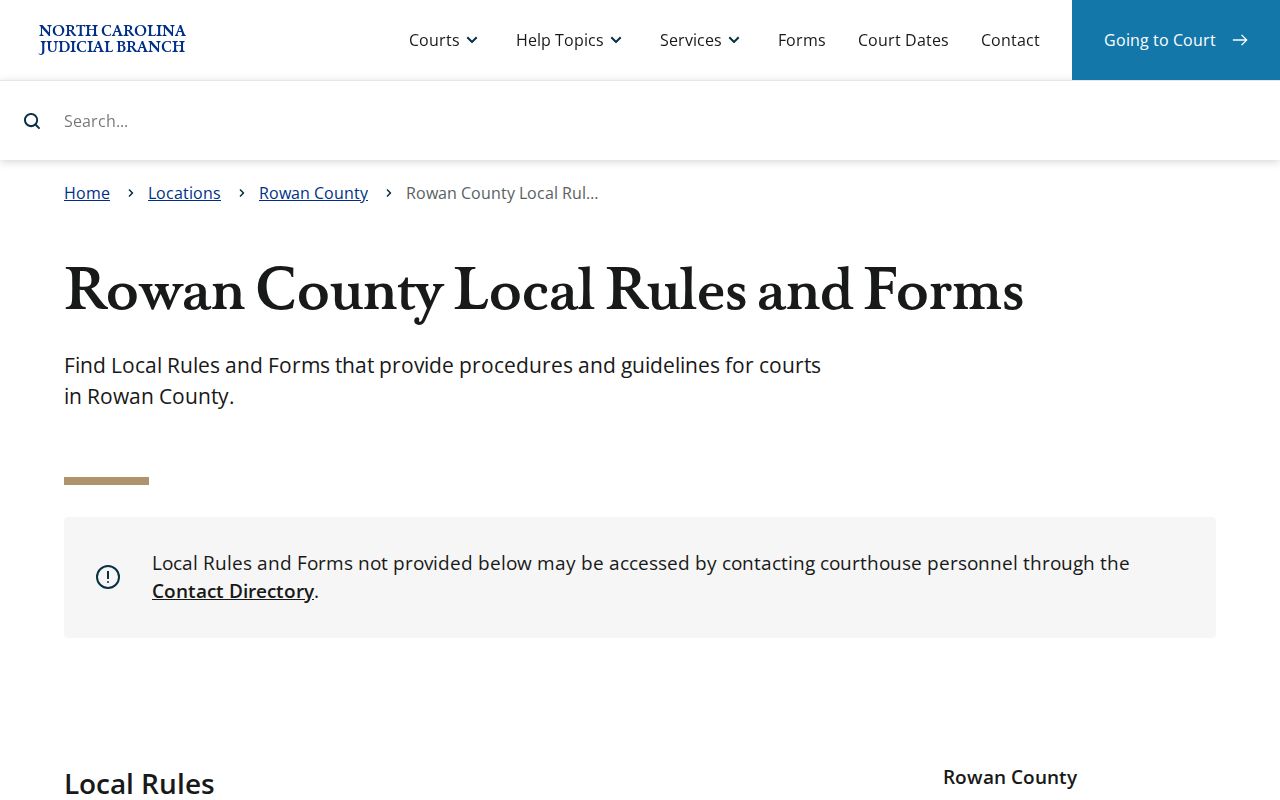
The Rowan local rules and forms collection sets out the procedure. Its page anchors the civil docket discussion in Rowan's own local calendar materials.
Note: A requested Rowan civil session can be approved, moved, or denied. Check any current hearing through Search Hearings, the calendar, and the court office before relying on it.
Who Can See Civil Dockets
Rowan public civil case information is available through Portal for public case types. The online record is still not the official file. Under G.S. 7A-109, the Clerk maintains court records, files, dockets, and indexes and opens them for public inspection unless law provides otherwise. For a public civil paper file, an ordinary copy, a certificate, or a direct local question, the Rowan Clerk is the office to contact.
Public does not mean unrestricted. Sealed and confidential data stays outside ordinary Portal access. Rule 27 governs electronic confidential filings and sealing. A missing Rowan civil result may reflect a restriction rather than proof that a case never existed. Public inspection, Portal viewing, a terminal, a paper file, copying, and certification are separate forms of access, each with its own path.
Rowan civil access point: The Clerk’s court file is the source for official copies and certification. Portal offers a public Case Summary, while the Clerk can confirm lawful access to a public paper or terminal record.
Rowan Civil Docket Copy Routes
A Portal image is one thing. A public paper file is another. A certified Rowan copy is a third. Portal may display a public document where one is available. Public users cannot batch-download. The Rowan Clerk can open the public file for inspection. The office can make copies for statutory charges. Rowan posts no promise of a remote certified-civil-copy order form or a processing time. So call the Clerk first. Do not assume a final price or delivery method.
| Rowan Clerk service | State schedule | Practical point |
|---|---|---|
| First page of each document | $2 | Confirm the final Rowan total before ordering |
| Additional page or fraction | 25 cents | Applies after the first page of the document |
| Certificate under seal | $3 | Separate from copy preparation |
| Exemplification | $10 | Ask the Rowan Clerk whether it is needed |
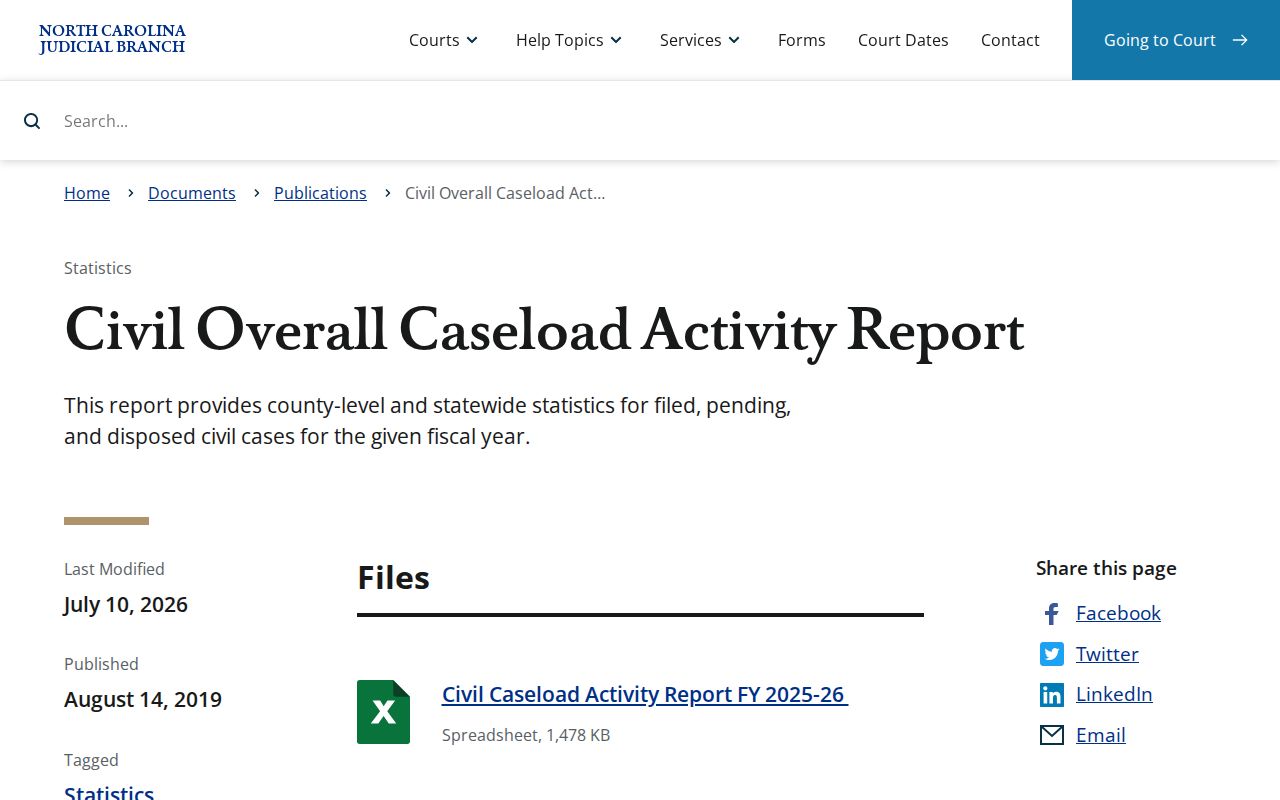
State-level civil context comes from the annual civil caseload activity report series, which tracks county-level activity. It adds perspective. But it does not replace the individual Rowan civil docket or the Clerk's certified record route.
Need a record number before requesting a copy? The Rowan docket search route can locate the public Case Summary. When you contact the Rowan Clerk, identify the case as precisely as you can.