
Rowan County Criminal Docket Searches
Begin any Rowan docket search at the North Carolina eCourts Portal. Open Smart Search. Type a record number, or a name in the Lastname, Firstname form. Submit the basic query first. Only then do the advanced filters open up. When you know the category, pick Criminal or Infraction and set Location to Rowan. A record number is the sharper tool. A Rowan case number ends in -790. A Rowan name search can hit the statewide ceiling of 200 results. Trim the list by case type, status, or filing-date range instead of treating a broad return as the whole answer. A broad return is not the whole answer. Each tool has its job. Portal carries public case information, and Search Hearings shows an active setting. The Rowan Clerk handles inspection, paper filings, ordinary copies, and certification. Remember that a Portal printout is not the official court record.
- Open Portal Smart Search and provide a Rowan person name or known record number.
- Add Location = Rowan, then choose Criminal or Infraction if the case type is known.
- Use a date, status, or case-type filter to narrow a large Rowan result set.
- Select the underlined record number to open the public Case Summary, also called the Register of Actions.
- Use the Rowan Clerk, a public terminal, or the public paper file when an official copy or local confirmation is needed.
Rowan Criminal Docket Portal Filters
Portal will not search charge text. You find Rowan criminal matters by person or record number. Then narrow them with the state's documented filters. The case-status menu separates labels. An active Rowan case stands apart from one marked archived, completed, disposed, transferred, remanded, or pending-expungement. A label is just an index entry, though. Read before judging where a Rowan case stands. Take the event sequence, the disposition area, and the current hearing information as one picture.
| Portal field | Rowan criminal use | Format or choice |
|---|---|---|
| Record Number or Name | Starts the required basic query | Known number or Lastname, Firstname |
| Location | Limits a statewide result to Rowan | Choose Rowan |
| Case Type | Separates criminal routing | Criminal, Infraction, Out of State Probation, or Out of State Parole |
| Case Status | Helps distinguish a returned record | Use with the event history, not alone |
| Search Hearings | Looks for an active Rowan setting | Separate Portal tool with hearing type and date range |
The wildcard rules are strict. A partial record number needs at least four characters before an asterisk. Names follow two limits. A surname needs at least three characters before the asterisk. A first name needs at least one character before any wildcard that follows. Those limits keep a Rowan docket search inside the Portal's official behavior.
Criminal Dockets: What They Show
Open a Rowan result and you land on the Case Summary or Register of Actions. What you see depends on the case. It may include case and assignment information, public party information, Case Events, dispositions, hearings, and financial figures. Case Events form the chronological Rowan docket entries. Still, a public record does not promise everything. You may not see a charge narrative, an attachment, a court official, a dollar figure, or a hearing block in every case.
| Record Number | The Portal case identifier. A known Rowan number ends in -790. |
|---|---|
| Case Information | Case-level public information when available. |
| Assignment Information | Court or assignment details where they have been entered. |
| Case Events | The chronological Register of Actions for public events. |
| Dispositions and Hearings | Outcome labels and setting information when those sections apply. |
Watch for a 12:00 a.m. timestamp on older Rowan events converted into Odyssey. That mark is an artifact of conversion, not proof anything happened at midnight. When you need a filed document or a certified disposition, the Rowan Clerk's file is the proper source.
Reading Rowan Criminal Docket Status
Rowan criminal status labels demand context. Pending means the system sees an unresolved matter. Disposed and Completed are system outcome categories, and neither copies every term of an order. Transferred to Superior Court signals movement from District Court into Rowan Superior Court. Appealed - Appellate and Remanded both point to appellate activity. Pending Expungement does not mean the Rowan record is already expunged.
- Case Events
- Chronological public docket entries in the Rowan Case Summary.
- Disposition
- The outcome or status section, best read with the event sequence.
- Transferred to Superior Court
- A label that can mark movement into Rowan’s felony or appeal trial division.
- Pending Expungement
- A status label, not a completed removal of the Rowan court record.
The G.S. 15A-146 reference covers certain dismissed, not-guilty, and not-responsible matters. It sets no single Rowan eligibility rule. The statute explains why a completed expunction and a pending label are different things.
After a Rowan court orders an expunction, Portal guidance says the matter disappears from online view. For an individual request, the applicable state form and the county court that handled the matter still matter.
Criminal Case Stages on the Docket
A Rowan criminal Register of Actions shows procedural movement over time, not a single snapshot. The filing opens the court record. Arraignment and pretrial events may come next. Then comes a plea or trial, a disposition, and sentencing if the case gets that far. In Rowan, a misdemeanor or infraction appeal can leave District Court for a trial de novo in Superior Court. So check the current court assignment. It matters as much as any earlier event.
Rowan docket flow: Filing → Arraignment → Pretrial → Plea or Trial → Disposition → Sentencing
Warrant, order-for-arrest, and criminal-summons events marked issued, served, unserved, recalled, or reset can appear in the official event explanation. Their public visibility may be restricted. Read a Rowan criminal docket entry as a court event alone, not as a stand-in for the full case file or a conclusion about anything outside public view.
Rowan Criminal Docket Calendar Requests
A calendar request is not a hearing result. Rowan's post-Odyssey materials draw that line clearly. The local request form asks for the offense, a proposed date, the courtroom, the sentencing judge, the State position, an alternative date, and the judicial action. A continuance entry can therefore show a proposed change before the court grants any new Rowan setting.
The Rowan Superior Court administrative order sets the timing. Add-ons ordinarily need 48 hours before a hearing for out-of-custody matters and 24 hours for in-custody matters. A roster goes up ten days before a session. Anything later requires notice and judge permission. These are calendar-management rules only, and they never promise that a Rowan criminal matter will land on a requested session.
After Portal, the official Rowan criminal calendar route works as a second check. Use it for dates, not case detail. It documents the public calendar channel, which sits apart from the individual Rowan Case Summary.
Check Search Hearings first. Then check the criminal calendar. For an imminent conflict, confirm with the appropriate court office, since a public calendar, a case record, and local scheduling contact each play a distinct role.
Rowan County Criminal Docket Courts
Felony criminal matters sit in Rowan Superior Court, District 27. Misdemeanors and infractions go to Rowan District Court, also District 27. Magistrates handle set preliminary and initial criminal functions inside the District Court division. The statewide Administrative Office of the Courts runs Portal. But the Rowan County Clerk of Superior Court keeps the local criminal files across these divisions. The North Carolina District Court explanation lays out the state structure behind that split. It gives the state court context for a Rowan misdemeanor, infraction, or traffic-related criminal record.
Some statuses deserve a second look. A Rowan result marked Transferred to Superior Court, Trial De Novo, or an appeal-related status may mean the current assignment has moved. Portal supplies the public search path, while the Rowan Clerk can confirm the court file's local record channel.
Confirming a Rowan Criminal Docket Setting
Portal Search Hearings covers the Rowan location, required hearing type, search type, conditional value, and date range. Search type can be a case number, party name, business name, attorney name, attorney bar number, judicial officer, or courtroom. Portal returns current calendars. It will not say whether a Rowan hearing is virtual or in person. That detail comes from the Clerk. When a virtual link exists, the Clerk provides it outside Portal.
For final confirmation, compare the Case Summary, Search Hearings, and the criminal calendar. Then call. A near, changed, or unclear setting warrants it. The District Court office is 704-797-3011; Superior Court is 704-797-3012. Court-file and records questions go to the Rowan Clerk at 704-797-3001. Courts and judges call matters in different orders, so a calendar time may not be an individual call time.
The state Veterans Treatment Court listing identifies District 27. It supports that limited local listing only. It does not claim every specialty-court filing is publicly available through a distinct Rowan docket.
Some Rowan specialty-court details never reach a public record. A gap online proves little. The ordinary Portal and Clerk routes still govern lawful access, and an online absence does not prove a case or event never existed.
Access Rules for Criminal Dockets
Portal makes Rowan case information convenient to search. It is not the official court record. Under G.S. 7A-109, the Clerk-maintained court records, files, dockets, and indexes stay open for public inspection unless a legal prohibition applies. The Rowan Clerk holds the underlying file. Inspection, a public terminal, paper-file review where public, ordinary copies, and certification are each separate access channels from an online Rowan docket.
Sealed or confidential material stays out of Portal. That includes juvenile records, unreturned criminal warrants, protected-order information, and other protected data. One public entry does not open every attached document. The Clerk can explain a lawful route but cannot disclose restricted material without authority.
Key Rowan access rules:
G.S. 7A-109 places Clerk-maintained court records, dockets, and indexes under the public-inspection rule unless law restricts access.
Rule 27 governs electronic confidential filings and the sealing process.
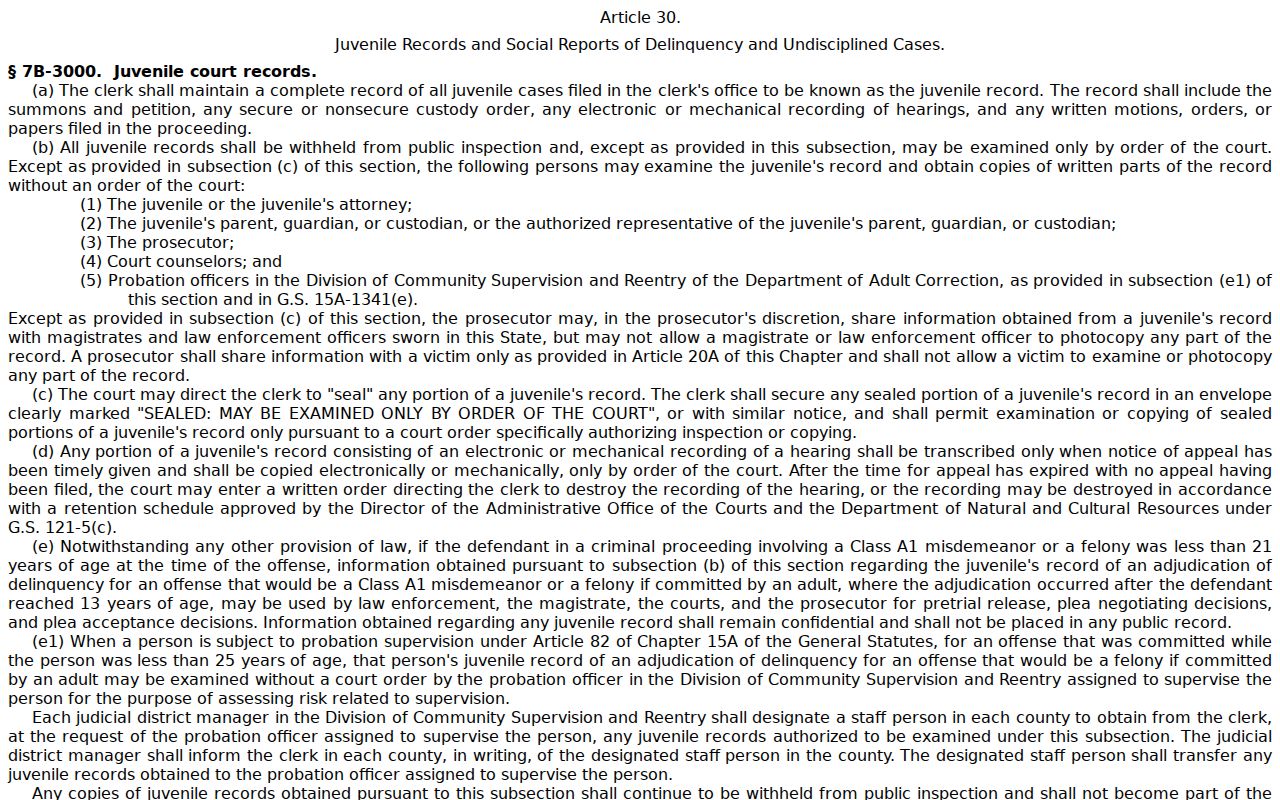
G.S. 7B-3000 makes juvenile records confidential except as statute or court order allows.
The statute itself is public. The official juvenile-record statute in the state's online laws reinforces the Rowan rule that a restricted result is not a Portal error. Treat such material as protected, never as public information.
Note: A Rowan Portal record proves a public event. Only the Clerk provides an official copy or certification from the court file.
Rowan Criminal Docket Terminal Route
A missing Rowan Portal result has several possible causes. Name or record-number formatting comes first. A 200-result return, an unprocessed filing, a converted legacy entry, a restricted case type, or sealed material can also hide a case. Start over with a basic query and Location = Rowan. If the result still does not appear, the fallback chain begins: call the Rowan Clerk, use a Clerk-office public self-service terminal, inspect a public paper file, and request copies or certification from the Rowan Clerk.
That chain matters. A public terminal or paper file can be the practical route for older material and local confirmation. Skip the shortcuts. A generic county-government request form and the NCAOC public-record form are not substitutes for a Rowan court-file request. For a broader public case search by name or record number, the Rowan docket search route lays out the Portal mechanics.