
Rowan County Court Record Requests
The Rowan County Clerk of Superior Court holds Superior Court, District Court, magistrate, estate, special-proceeding, criminal, and civil files. Begin by naming the case and the type of record you want. The free North Carolina eCourts Portal can pull up a public Case Summary or Register of Actions. It is not the official record, though. For inspection, ordinary copies, or certification of a case filed in Rowan, the Clerk is the office to contact. It can answer each of those requests directly.
- Use Portal Smart Search to locate a public Rowan case by record number or name, then set Location to Rowan.
- Identify the record sought, such as a Case Summary, filed order, judgment, copy, certified copy, transcript, or available audio recording.
- For a public file or a missing online document, visit the Clerk’s public terminal or ask the Rowan Clerk about inspection and the current copy total.
- Call the Clerk at (704) 797-3001 for case-file guidance, or use the court office contacts for an active setting question.
- Before sending money, confirm the document, page count, certification need, delivery method, and current total with the Clerk.
Rowan offers a mail route only for eligible payments, not a general copy-request form. It accepts money orders. It also accepts certified checks payable to the Rowan County Clerk of Superior Court. Treat it as a payment path, not a generic way to order certified court records. No blanket email, fax, online certified-copy form, identification rule, or turnaround time applies across the board. None of those details is fixed county-wide. Confirm those details with the Clerk for your specific request.
Rowan County Clerk Court Record Custody
Portal and the Rowan County Clerk play different roles in a docket search. Portal is the statewide public view. The Clerk keeps the actual local court file. That split matters when you need more than a screen can show, such as a paper-file inspection, a certified copy of a filed document, or confirmation that a public item simply never made it online. The Administrative Office of the Courts runs Portal but holds no Rowan case documents. It cannot certify them, because it is not the custodian of the file.
Rowan County Clerk of Superior Court
Rowan County Courthouse
210 N Main Street
Salisbury, NC 28144
(704) 797-3001
Monday through Friday, 8:30 a.m. to 5:00 p.m.
The state court-record guidance lays out public self-service terminals in clerk offices and paper-file access in the county where the case sits. It also makes clear that the Rowan Clerk, not a city office or generic county-records office, is the local route to a court file.
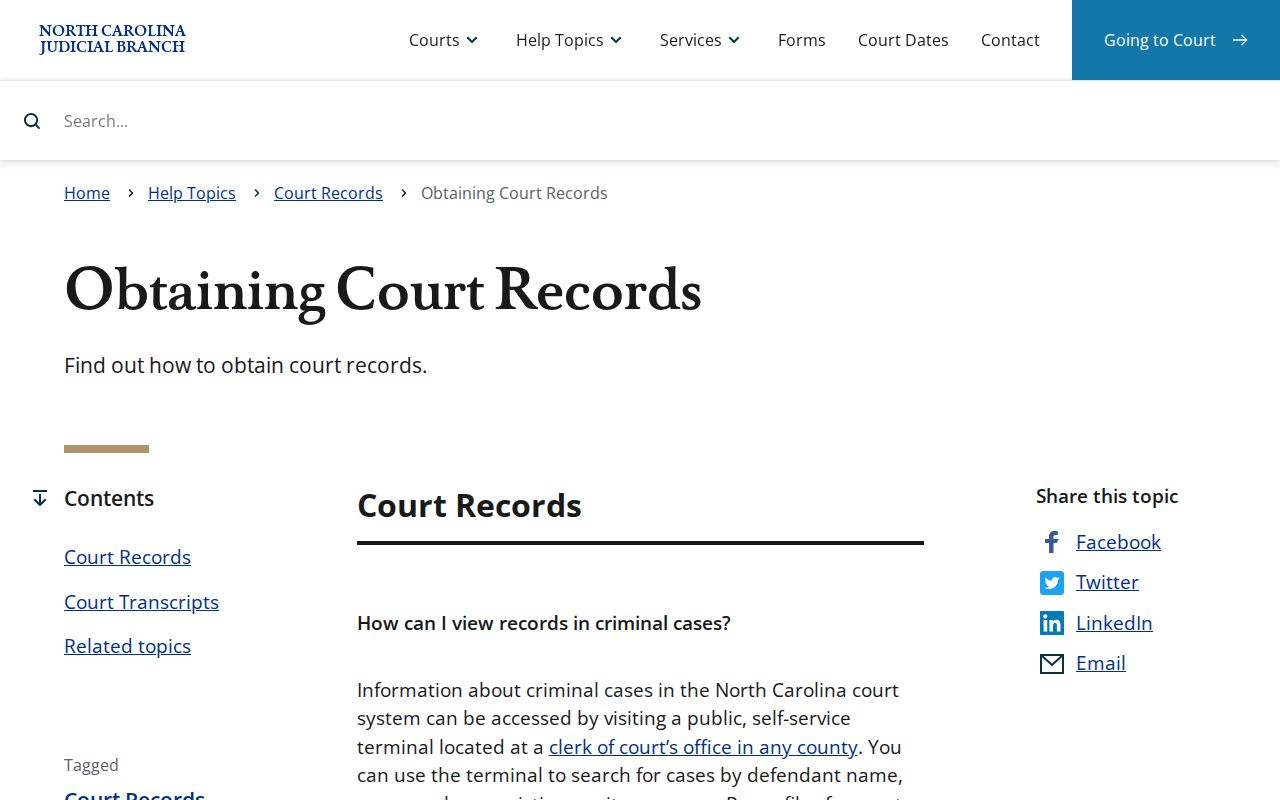
A public terminal earns its keep when Portal shows an incomplete result, no browser is handy, or an older paper file needs checking against the online Register of Actions. In those moments the clerk's office is the faster answer.
Kinds of Court Records
Rowan County court records come in more than one form. A Portal entry is a docket-style Case Summary. A filed document might be an order, a pleading, or a judgment sitting in the file. It could also be something else entirely. A certified copy is the Clerk's stamped version of an eligible document. Transcripts and audio recordings travel separate routes. Name the record type up front. Then the Clerk can set the right process and cost.
- Register of Actions or Case Summary: Portal’s public chronological record of case information and events.
- Filed document or court file: pleadings, orders, judgments, exhibits, and other materials maintained in the case file.
- Certified copy: an eligible court document with Clerk certification for official use.
- Transcript: a verbatim written record prepared through the official court reporter or a transcriptionist.
- Audio recording: a recording, where one exists and is nonconfidential, requested through the state’s audio process.
Portal does not show every filed item. The public Case Summary tells you which case or event to ask about. The Clerk can then say whether the document itself is public and how to view or copy it.
Rowan County Portal Document Limits
A public Case Summary is not the complete court file. Portal can display public case information and public documents. Yet a document may be missing even when a Case Event appears. Sealed, confidential, and restricted material never becomes public through a Portal search. Documents download one at a time, not in bulk. A large document can trigger an error. The state sends you to the Clerk for a possible file split. The official G.S. 7A-109 page sets out the recordkeeping, indexing, inspection, and remote-access authority behind this line between summary and file. That authority places Clerk records at the center of Rowan court-record access.
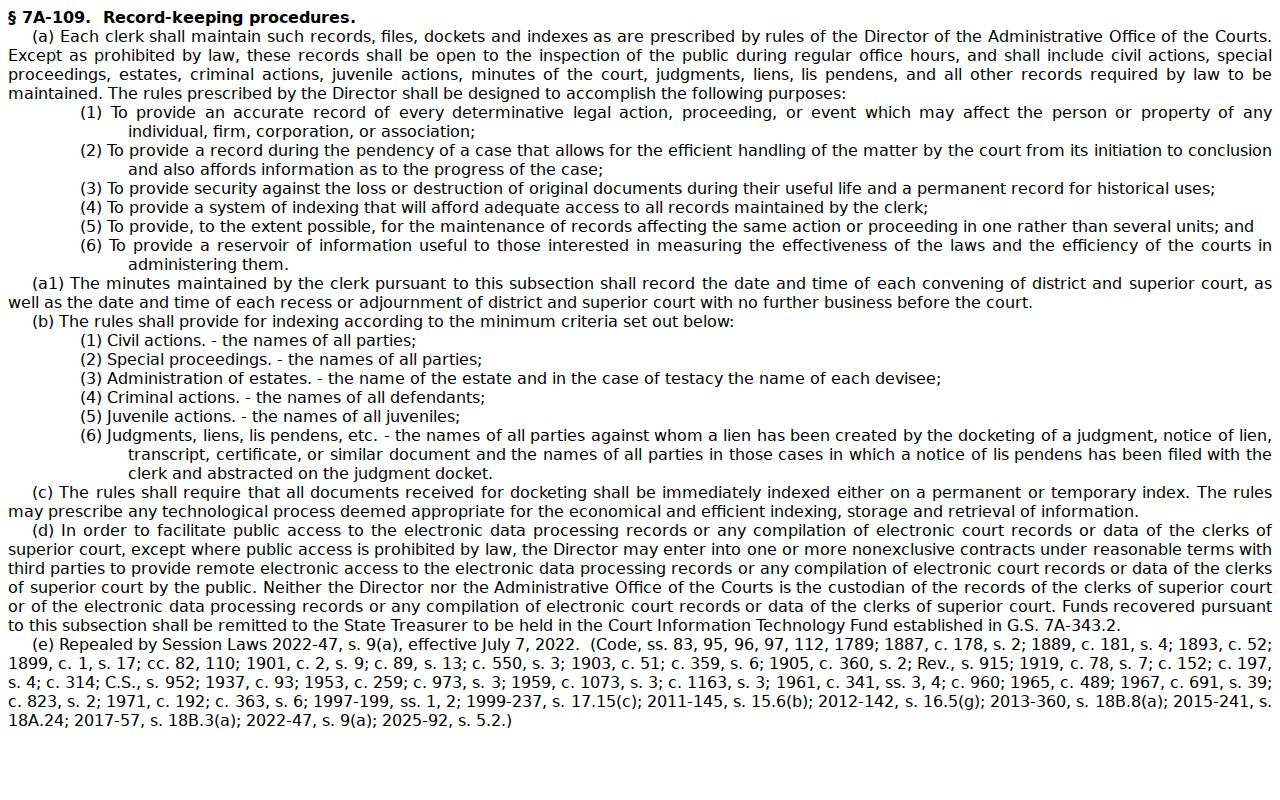
For a known public case, a Rowan County docket search can surface the record number before you contact the Clerk. It does not replace the Clerk's certification or paper-file role.
Court Records: What They Contain
A court record may hold a public Register of Actions plus the documents behind it. The Portal's Case Summary can display case and assignment information, party information, applicable causes of action, chronological Case Events, dispositions, hearings, and financial information. Some fields are conditional. A record may show a hearing, a disposition, or a financial item when applicable. No Rowan case is guaranteed to carry every field.
| Record Number | The Portal’s case identifier. A known Rowan record number ends in -790. |
|---|---|
| Case Information | Public case-level information when entered and available. |
| Party and Assignment Information | Public role and court-assignment information, subject to masking or restriction. |
| Case Events | The chronological docket-style entries in the Register of Actions. |
| Filed documents | Orders, pleadings, judgments, exhibits, or other court-file material when public and available. |
| Hearings, dispositions, and finances | Applicable sections that may be present in the particular record. |
A court record is not the same as a government agency's general public-record file. A city or county public-records office can route requests for records it holds. It never becomes custodian of a Rowan General Court of Justice case file.
Rowan County Court Audio Records
A transcript or recording takes a narrower request than an ordinary file copy. The official court reporter or transcriptionist prepares a verbatim transcript for Rowan County District Court and Superior Court proceedings. Contact the reporter tied to your hearing. Rowan's directory lists the Official Court Reporter at (704) 797-3147. Each reporter sets individual rates. Many criminal District Court proceedings are not recorded at all. A recording happens only if a judge orders it.
When a nonconfidential clerk or digital recording does exist, the state uses form AOC-G-114, Request for Duplicate Copy of Verbatim Audio Court Record. The state says the actual cost of a CD may be charged. A confidential recording needs its own permission form, AOC-G-115. One caution: ask for audio as audio, not as a transcript. A recording is not a verbatim written transcript.
Note: Before paying for either format, give the proceeding, date, case number, and desired format. Availability differs by case.
Copy Fees and Certification
Viewing in Portal costs nothing. Clerk copy and certification fees come from G.S. 7A-308, and a certificate under seal is only part of the bill when copy preparation is separate. Confirm the document scope, page count, certification type, delivery cost, and the present total with the Rowan Clerk before you submit payment.
| Item | Official amount | Handling note |
|---|---|---|
| Portal search | $0 | Free public search; not an official certified record. |
| Copy preparation | $2 first page of each document; $0.25 each additional page or fraction | Statutory schedule; confirm total and scope. |
| Certificate under seal | $3 | May be added to copying charges. |
| Exemplification | $10 | Confirm need and scope with the Clerk. |
| Criminal record search | $25 | A statutory search fee, not the free Portal lookup. |
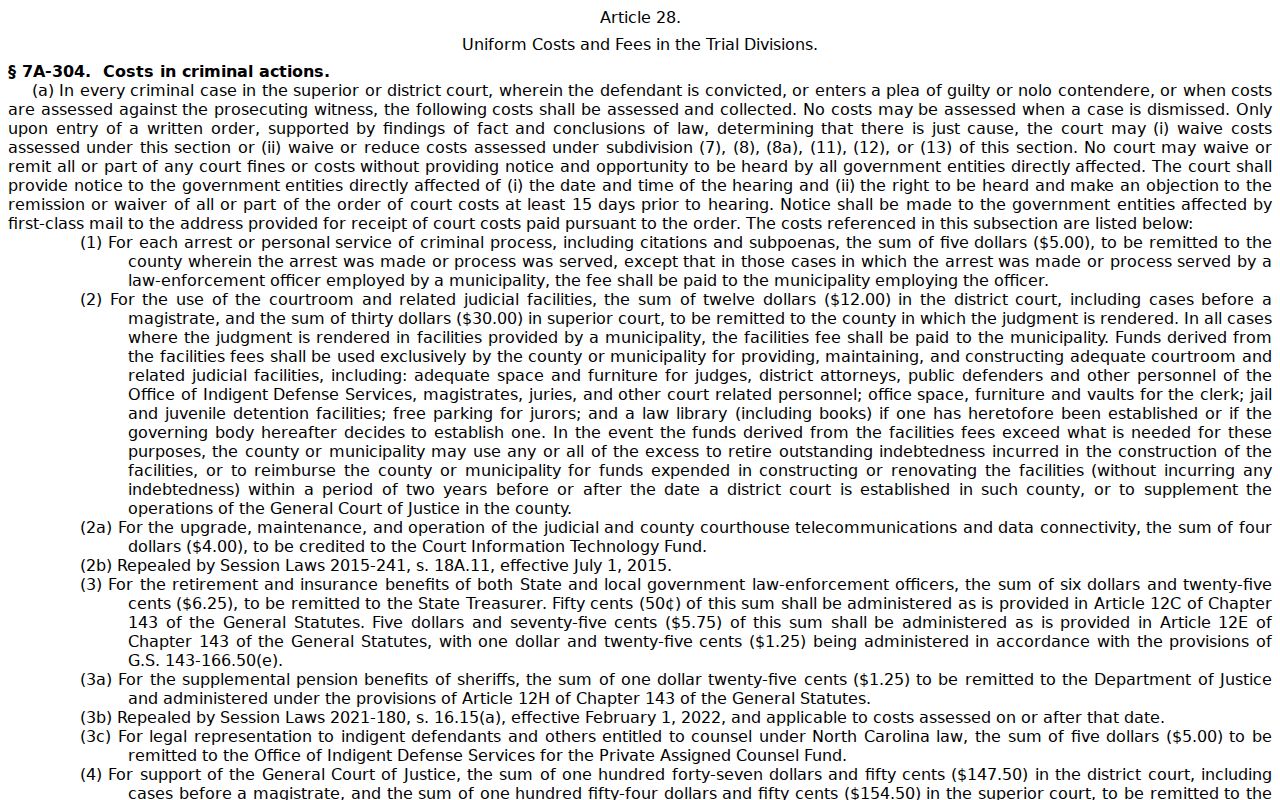
The General Assembly's Article 28 fee schedule publishes the official fee table for these court copies. It comes straight from the statute rather than a secondhand estimate.
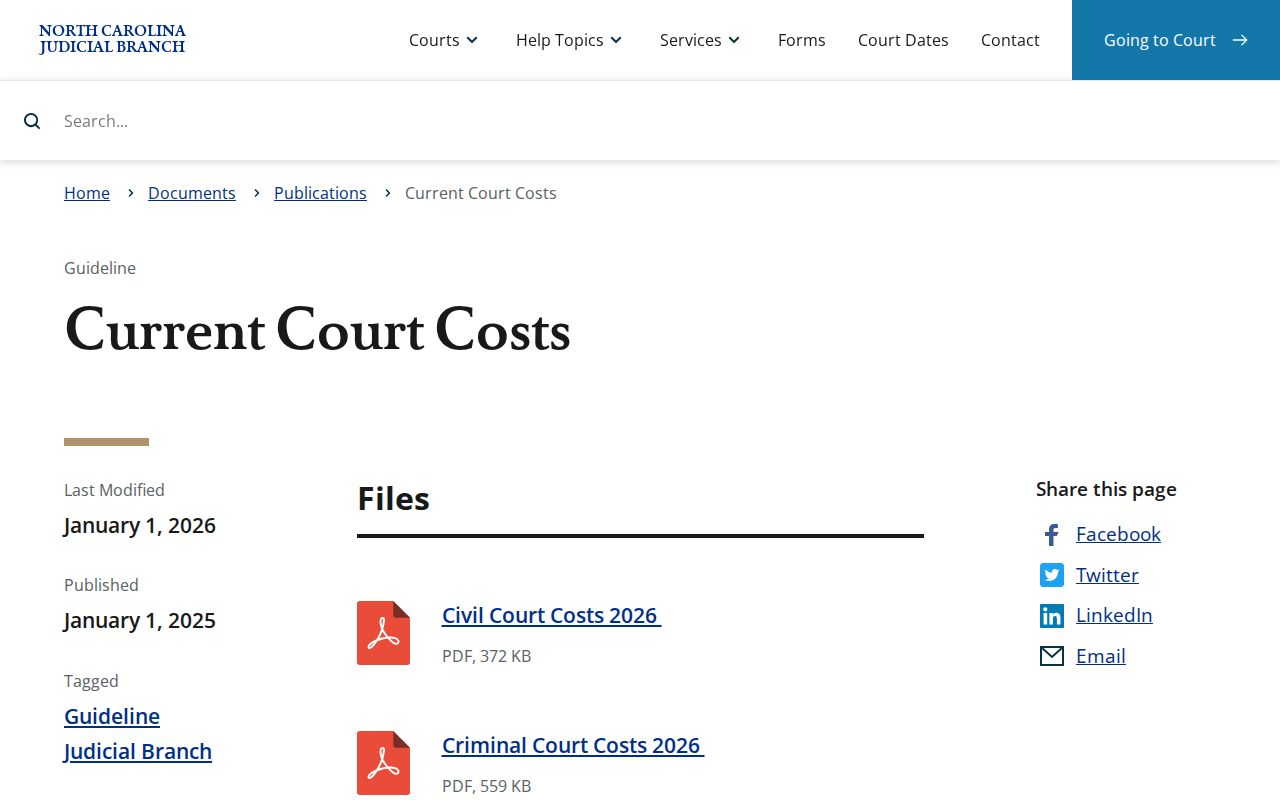
The current state court-cost chart belongs alongside that schedule. Use it whenever a court cost or local total needs current confirmation.
Rowan's payment page accepts cash, card with a processing fee, money order, or certified check in person. Even so, those options do not create a generic copy-order channel for court records.
Rowan County Court Record Form Limits
Do not send the NCAOC public-records request form for a Rowan case document. The state says plainly that NCAOC is not the custodian of case information or court documents. The agency will not fulfill such requests. The Rowan County government public-records route points to the Clerk of Court. Court, civil, criminal, divorce, and probate requests all go there. Take a case-file question straight to the Rowan Clerk. Don't force a general agency form to do a court-record job.
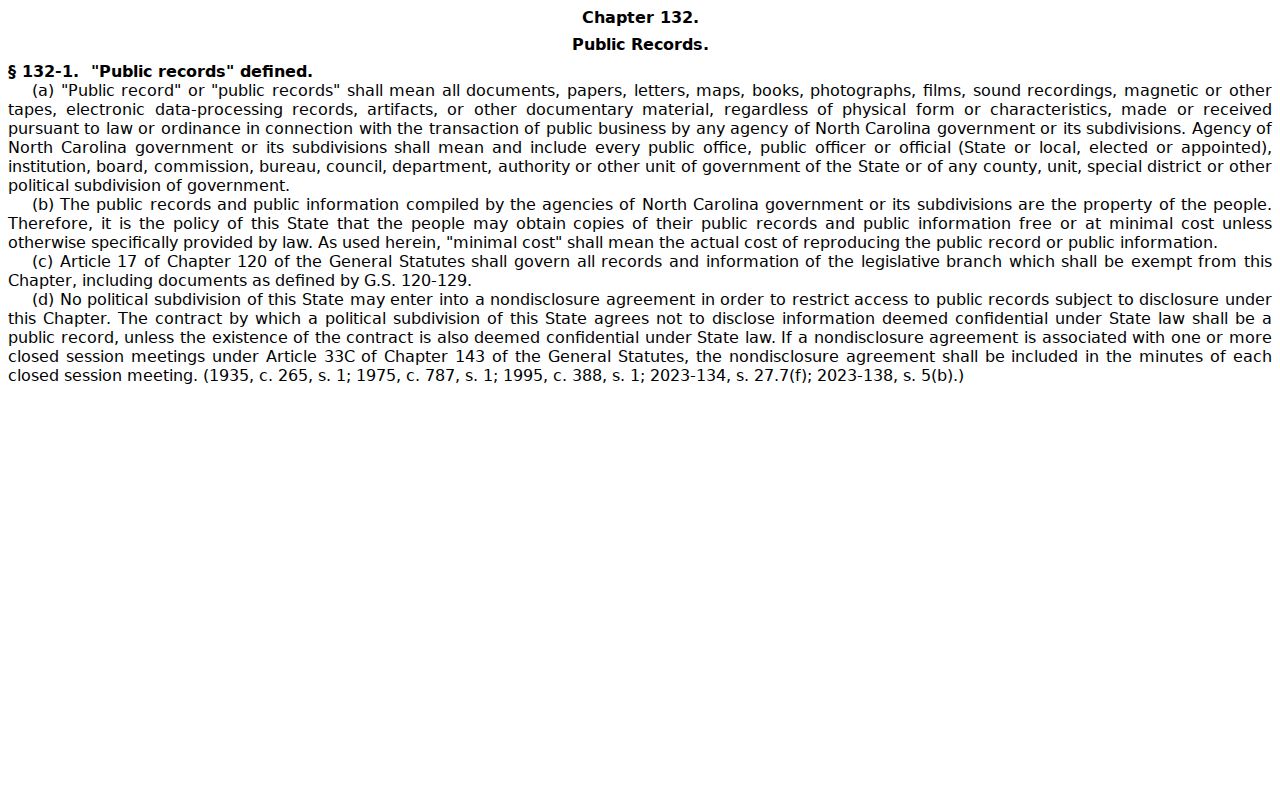
The official G.S. 132-1 page states North Carolina's baseline public-record definition. That general access law is broad. But it still leaves the Clerk in charge of the actual court files.
Sending the request to the right office avoids needless delay. It also keeps the ask focused on the real case, document, or certification you need.
Rowan County Court File Access
When a public document does not surface in Portal, the next Rowan County court-record route is the Clerk office. State guidance keeps the paper file in the county where the case sits. That means Rowan for a Rowan filing. Ask the Clerk whether the material is public, whether you can view it through the public terminal or the paper file, and what copy or certification options apply. Rowan offers no archive index or online certified-copy form. Build your request from case details rather than guesses about storage or delivery.
For an older record, say what you know up front. Give the file number, parties, approximate filing period, and document type if you have them. Portal conversion pulled in legacy data. A historical paper file may still need Clerk confirmation. Even when a portal search needs correction or an image is unavailable, a public file can still be inspected through the lawful Clerk route.
Access Rules for Court Records
North Carolina law generally opens Clerk court records to public inspection. A legal prohibition can still apply. Inspection is not copying. State guidance bars any charge for inspection itself, while copies, certification, mailing, and extensive special service may carry allowed costs. Access has limits, though. Sealed or confidential data, juvenile records, protected information, and completed expunctions follow separate rules. A missing Portal document can mean restriction or redaction, not a missing case file.
Key access rules: G.S. 7A-109 places court records, files, dockets, and indexes with the Clerk for public inspection absent a legal bar. G.S. 132-1 supplies the state’s baseline public-record rule. Rule 27 governs electronic confidential filings and sealing, while G.S. 7B-3000 protects juvenile records.
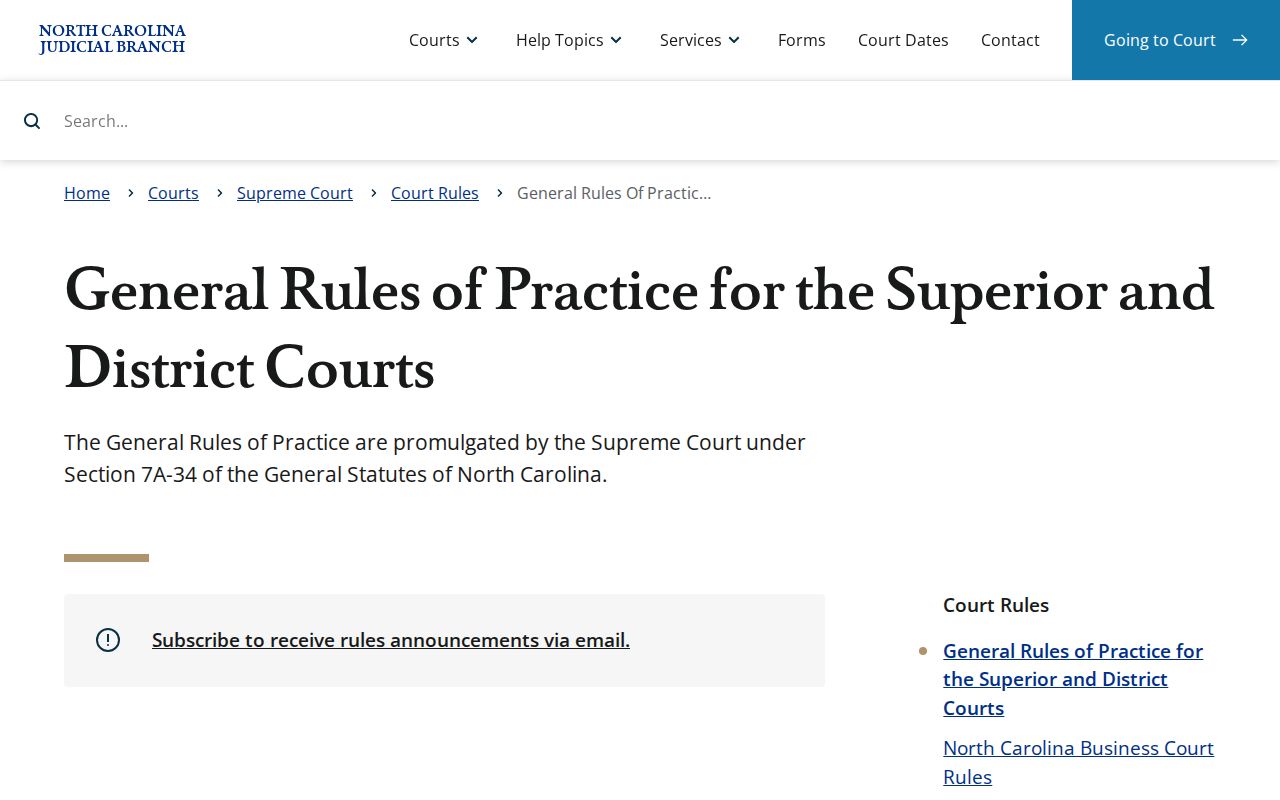
The General Rules of Practice source sets out the court-controlled confidentiality and sealing process. That process is what can limit both online and counter access to a record.
For a lawful request on a public file that does not appear online, use the Clerk terminal or contact the Clerk about the access route. Restricted material stays closed without the authority the law or a court order requires.