
Name-Based Case Searches
The free public starting point is the North Carolina eCourts Portal. Pick Smart Search. Type a case number or a person's name, using the format Lastname, Firstname. One basic criterion is required before Advanced Filtering Options unlock. So enter the name first. Then set Location = Rowan to pull the results back home. Case-type, status, and filing-date filters cut out unrelated statewide noise. Apply them once a common name floods the screen. The Rowan County criminal docket and civil cases sit in the same statewide index. That is why location matters so much here.
- Open Smart Search in the eCourts Portal and enter a record number or a name in the documented surname, comma, first-name format.
- Select Submit, then expand Advanced Filtering Options if the first results list is too broad.
- Set Location to Rowan and, when known, add a case type, status, or filing-date range.
- Open the underlined record number for the public Case Summary, also called the Register of Actions.
The Portal sets firm rules for wildcards in a Rowan County case lookup. Type at least four characters of a case number before adding an asterisk. For a surname, the cutoff is three characters. A first-name wildcard must follow at least one first-name letter. These limits matter most when a docket search runs into an alternate spelling or a partial case number. Plan the search around them.
| Field or control | Type | Required | Rowan search use |
|---|---|---|---|
| Record Number or Name | Text | One basic criterion | Enter a number or Lastname, Firstname. |
| Location | Dropdown | No | Select Rowan to avoid statewide name matches. |
| Filter by Case Type | Dropdown | No | Use a documented group such as civil, domestic, criminal/infraction, estate, or special proceeding. |
| Case Filing Date | Date fields | No | Use a date range to narrow a long result list. |
Rowan County Case Search Filters
Location matters most when filtering. Smart Search runs statewide, so a surname hit is not always a Rowan County case. The Portal also stops at 200 results. Hitting that cap does not mean your record vanished; it means the query needs a tighter filter. Add Rowan, a case type, a case status, or a filing period and search again. For consistent party-name results, the state's preferred route is the default Smart Search path.
Case-type options help even if you do not know how a specific case is classified. The Portal groups Criminal and Infraction together. It puts Civil General and Civil Magistrate under civil options. Domestic, estate, and special-proceeding categories sit on their own. Keep in mind that a public court record can still return no match. The name format, number, conversion history, or filter choice may simply be off.
Note: A 200-result cap is a prompt to refine the Rowan County docket query with the location and known case details. It is not proof a case is unavailable.
Case Number Searches
A known case number is usually the cleanest Rowan County docket search. The official structure runs two-digit year, case-type letters, and a six-digit sequence. A three-digit county identifier comes last. Rowan's identifier is 790, so a genuine Rowan number ends in -790. No single universal full prefix exists, because current patterns and legacy conversions differ. Trust the number printed on a notice or an earlier filing. Do not build one from a template. The October 2025 statewide Enterprise Justice conversion moved older cases into the current system. Converted historical events can show a 12:00 a.m. timestamp. That is a system convention only. It does not mean a court event actually happened at midnight. When an older number fails, search by name with the Rowan filter. Then try the Clerk terminal. The paper-file route also holds a public historical court record. The Judicial Branch's statewide conversion announcement documents the 2025 Enterprise Justice rollout. That rollout placed Rowan in the current public-search environment.

That conversion is also why a legacy paper file can still call for local confirmation. The case history may already be in the new system.
Rowan County Portal Search Tools
Smart Search, Search Hearings, and NC Judgment Search each answer a different question. Smart Search opens the detailed Case Summary. Search Hearings fits a current court date. It takes Rowan location, hearing type, a search type, a conditional value, and a date range. NC Judgment Search works as a second index for a known civil judgment. It narrows by location, case type, status, judgment date, and judgment type. It never replaces the Case Summary. For Search Hearings, the documented search types include case number, party name, business name, attorney name, attorney bar number, judicial officer, and courtroom. It will not tell you whether a hearing is virtual or in person. For a date that is close at hand, check the result against the Rowan local schedules. Confirm uncertain logistics with the court office or the Clerk.
- Smart Search
- The Portal function that searches public case records and opens the Case Summary.
- Search Hearings
- The Portal route for current calendar results by location, search type, and date range.
- NC Judgment Search
- An index tool for civil judgment information, distinct from the detailed case record.
Case Search Results Explained
Click an underlined case number. It opens the public Case Summary, also called the Register of Actions. Inside, the chronological Case Events section is the docket-style history. What shows up varies by case. Per the official field guide, a record may include case and assignment information. Party information may appear too. So may causes of action for applicable civil, family, probate, or mental-health matters, dispositions, hearings, and financial information. Read the entries in order and the court docket tells the story of the filing.
| Case Information | Case-level public information when available. |
|---|---|
| Assignment Information | Court or assignment information where entered. |
| Party Information | Public participant-role information, subject to masking and access limits. |
| Case Events | The chronological Register of Actions entries. |
| Dispositions and Hearings | Outcome and setting information when the particular case has those fields. |
| Financial Information | Applicable case financial fields, not a promise that every record has a balance. |
A status label is an index tag, not the whole story. Pending, Disposed, Completed, Archived, or Transferred to Superior Court each belong alongside the events, dispositions, and current hearing details. For a current amount or a certified document, the Rowan Clerk of Superior Court remains the official source.
Rowan County Case Filing and Viewing
Portal has two jobs that are easy to confuse. It lets the public view and search Rowan County case information. But it is not where filings happen. Attorneys and parties with a filing task work through North Carolina File & Serve, the state's separate Enterprise Justice filing application. That system and Portal do not merge. Filing something there does not make it public, and it does not hand a Portal user extra access either.
The official File & Serve source shows the state's filing application itself, which helps you tell it apart from the Rowan County case-search interface.
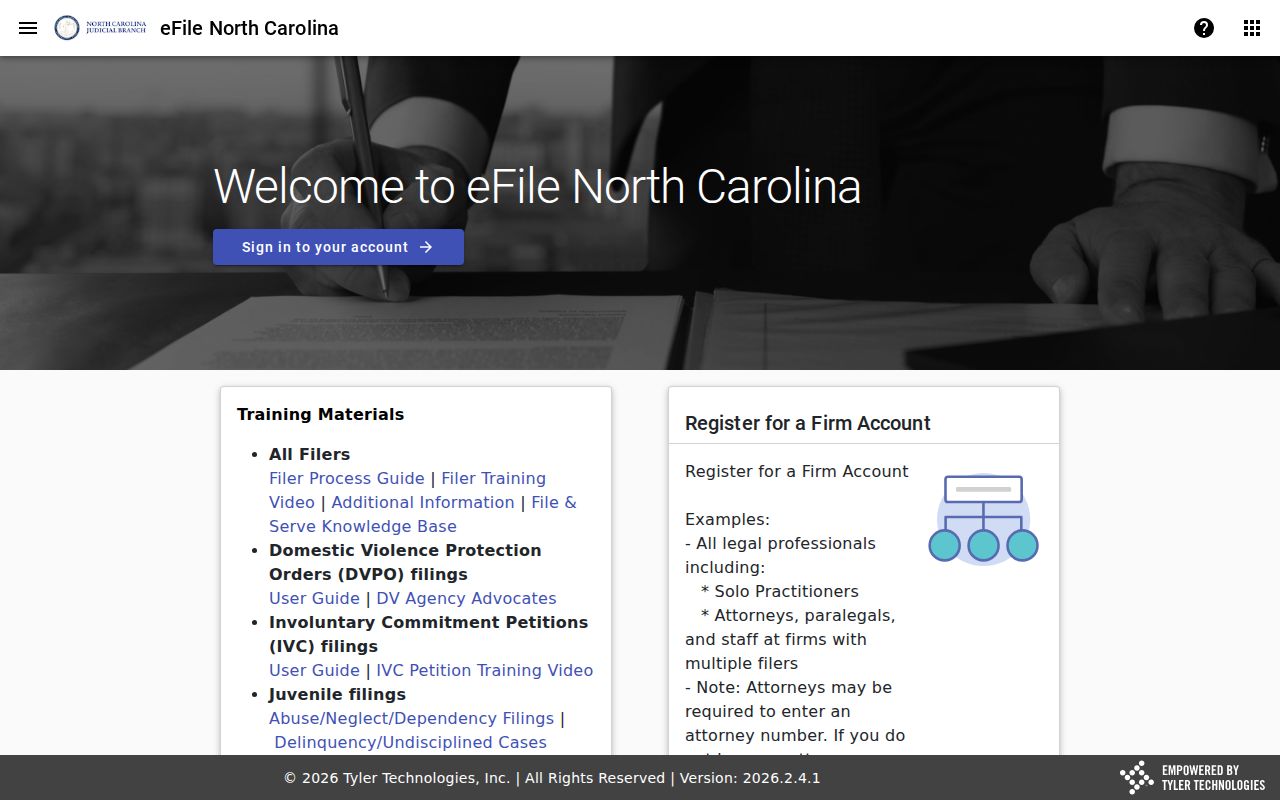
Registering in Portal is optional. The state says an account only saves a case to My Cases and does not create elevated public-record access.
Two Ways to Search: County and State
Rowan County has no docket database of its own. The statewide eCourts Portal serves as the online search channel. Set Location = Rowan and the search turns local. For the official court file, the local layer is the Rowan Clerk of Superior Court. The Clerk keeps the original file, offers a public terminal, and handles inspection, copies, and certification. So use the portal for public case information first. Then turn to the Clerk for the official file. That also covers a search that requires in-person confirmation.
| Channel | Best use | Important limit |
|---|---|---|
| eCourts Portal | Free public name, record-number, citation, hearing, and eligible-payment searches. | It is not the official court record and public access is limited. |
| Rowan Clerk terminal | Public court information when an online search is incomplete or a visitor lacks web access. | Terminal count and precise station location are not published. |
| Rowan Clerk file route | Paper-file inspection, copies, certification, and local confirmation. | Confidential and sealed material remains restricted. |
Want county-level context? The Judicial Branch publishes it. A Judicial Branch data and statistics source covers the state's county-level civil, criminal, infraction, and operational reports. That official reporting entry point, not a commercial case-search service, is what the page reflects.
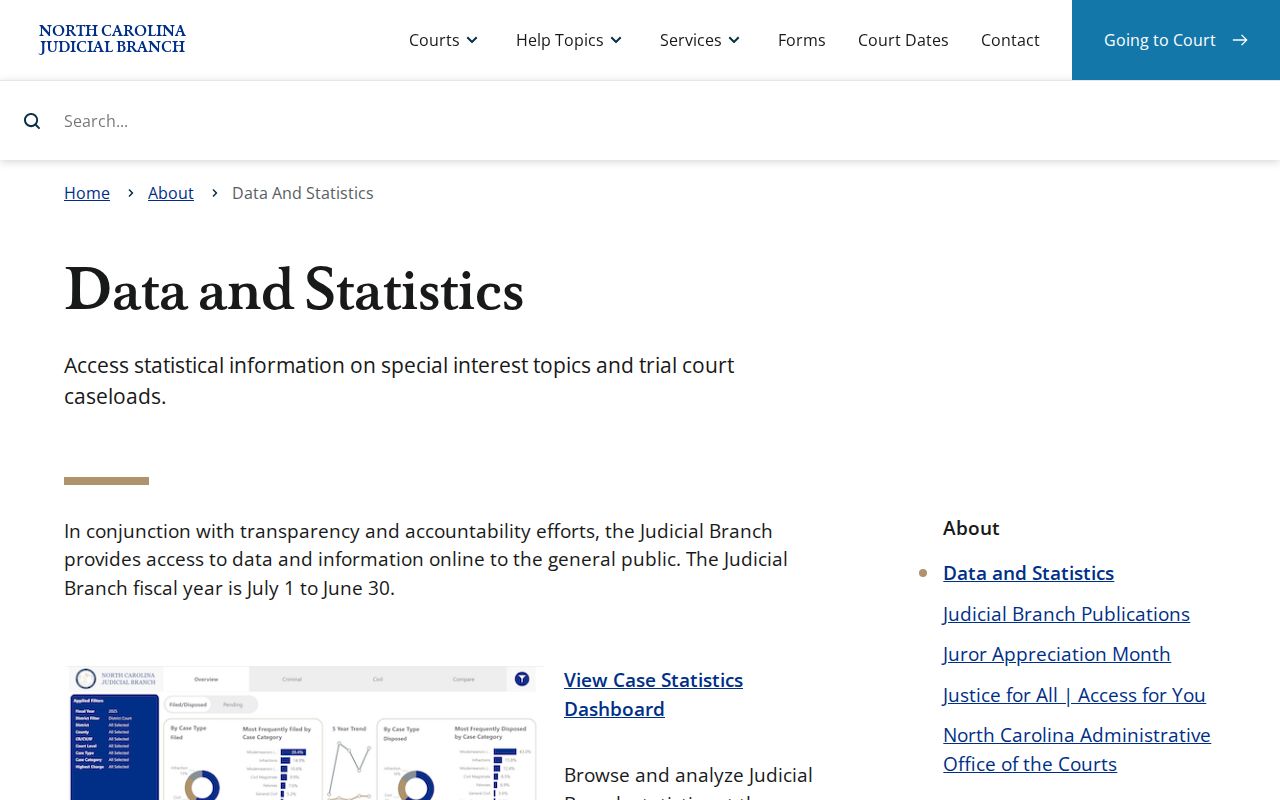
Reports give system context. For one public court matter, the Case Summary is still the route.
Rowan County Case Search Fallbacks
A no-result screen is not always bad news. The cause might be a name or record-number format error. It could also be the 200-result limit, a legacy conversion issue, or a newly filed matter still processing. A legal access limit can hide results too. Retry the basic Smart Search with Location = Rowan and a corrected format. If nothing comes back, call the Rowan Clerk of Superior Court at (704) 797-3001. You can also use the public self-service terminal at the Clerk's office. Or inspect a public paper file in Rowan.
The Clerk sits in the Rowan County Courthouse, 210 N Main Street, Salisbury, NC 28144. Regular office hours run Monday through Friday, 8:30 a.m. to 5:00 p.m. The Rowan Judicial Branch hub links local court contacts, calendars, forms, and payment information. A generic NCAOC public-records request is not a substitute for a local case-file request.
Note: When a corrected Portal search still turns up nothing, don't stop there. The Clerk terminal and case-file route are the documented Rowan fallback.
Rowan County Case Search Labels
Trust the Portal's labels over made-up local shorthand. Register of Actions or Case Summary gives the detailed record. Record Number identifies the case. Case Events lists entries in the order they happened. Two cautions: a Pending Expungement status is not a finished expunction, and a disposition label does not spell out every term of an order. The official criminal and infraction county-report series lays out its CRS, CR, and IF reporting labels. That state reporting source is what the assigned image reflects rather than any single Rowan case.
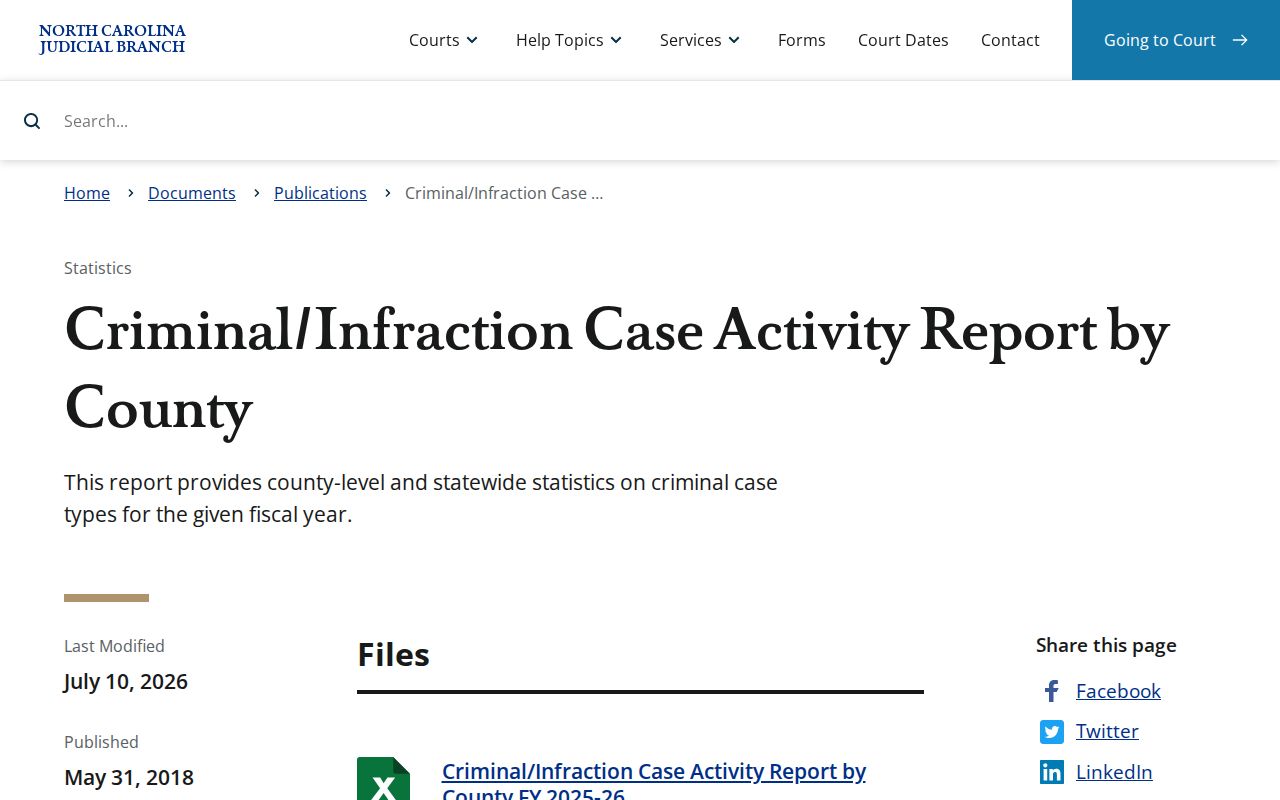
A single label rarely tells the whole story. Read the Case Events, the disposition, and the hearing details together before drawing a conclusion about any Rowan County case.
Which Cases Stay Restricted
Public access has edges. Sealed or confidential material stays sealed even when a case has an online entry. Juvenile records are confidential under G.S. 7B-3000. The Portal also restricts unreturned criminal warrants and protected information. Once an expunction is complete, the matter drops out of ordinary online view. That is why Pending Expungement is just a status label. It is not the end result.
Clerk duties come from G.S. 7A-109, which governs recordkeeping and public inspection of court records unless a law says otherwise. Rule 27 of the General Rules of Practice controls electronic confidential filings and sealing. If you have a lawful question about a file the public cannot reach, ask the Clerk for the proper access route instead of reading a missing result as proof that no case exists.